
Critical Software Updates: The One Thing You Can’t Afford to Ignore

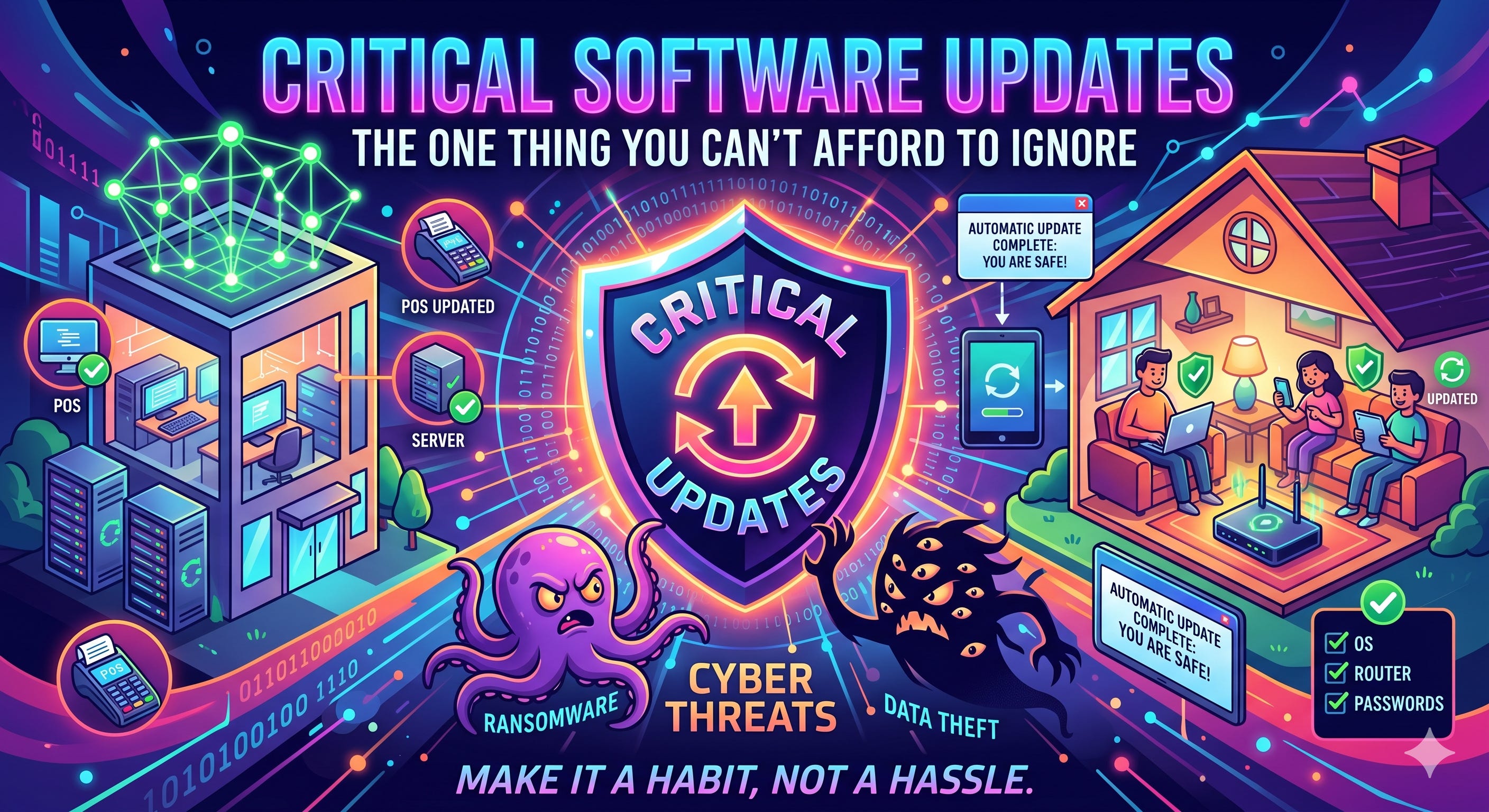
If there’s one habit that quietly separates secure homes and resilient small businesses from vulnerable ones, it’s this: staying on top of software updates.
It’s not flashy. It’s not exciting. But ignoring updates is one of the fastest ways to invite security problems, downtime, or even data loss.
Let’s break down why this matters—and how to actually stay ahead of it without turning it into a full-time job.
Why Updates Matter More Than You Think
Every update you see—whether it’s on your phone, laptop, router, or apps—usually contains security patches. These patches fix vulnerabilities that hackers already know about.
Think of it like this: once a weakness is discovered, it’s not a secret for long. Delaying updates is like leaving your front door unlocked after the neighborhood knows there’s been a break-in.
For small businesses, this can mean:
Compromised customer data
Ransomware attacks
Costly downtime
For families, it can mean:
Identity theft
Compromised accounts
Privacy violations
Turn On Automatic Updates (Seriously)
If you only take one action after reading this, make it this one.
Enable automatic updates on:
Computers (Windows, macOS)
Smartphones and tablets
Web browsers
Routers and smart home devices (if supported)
Business-critical software (POS systems, accounting tools, etc.)
Manual updates sound good in theory, but in reality, they get postponed. Automation removes that risk.
Know When Your Devices Expire
Here’s something most people don’t track: end-of-life (EOL) dates.
Every device and piece of software eventually stops receiving updates. Once that happens, it becomes a permanent security risk.
Check and track:
Router and modem age (replace every ~3–5 years)
Phones (typically supported 3–7 years depending on brand)
Operating systems (e.g., Windows versions, macOS)
Smart home gear and IoT devices
If it no longer gets updates, it shouldn’t be connected to the internet.
Plan for Updates (Don’t Let Them Disrupt You)
Updates don’t have to mean chaos.
For small businesses:
Schedule updates after hours or during low-traffic periods
Notify staff in advance of restarts or downtime
Test critical systems after major updates
For families:
Set updates overnight
Pick a “tech maintenance day” once a month


A little planning prevents a lot of frustration.
Strengthen Your Logins
Updates fix vulnerabilities—but weak logins can still undo everything.
At a minimum:
Use a password manager
Avoid reusing passwords
Enable multi-factor authentication (MFA)
Even better: start using passkeys where available. They’re more secure and easier to use—no passwords to remember or steal.
Create a Family or Team “Code Word”
This one is simple but powerful.
Set up a shared code word or phrase that only your family or team knows. Use it to verify identity in sensitive situations, like:
Someone asking for account access
Urgent financial requests
“Emergency” messages that feel off
It’s a low-tech solution that can stop high-tech scams.
A Simple Example
Imagine this scenario:
A small business delays updates on its accounting software. A known vulnerability isn’t patched. An attacker exploits it, gains access, and locks the system with ransomware.
The cost?
Days of downtime
Lost revenue
Expensive recovery efforts
All because of a skipped update that would have taken 10 minutes.
Make It a Habit, Not a Hassle
You don’t need to be a cybersecurity expert to stay safe. You just need consistent habits:
Turn on automatic updates
Replace outdated devices
Schedule maintenance time
Use stronger authentication
Add simple verification steps like code words
Security isn’t about perfection—it’s about staying just a little ahead of the threats.
And most of the time, that starts with clicking “Update.”